

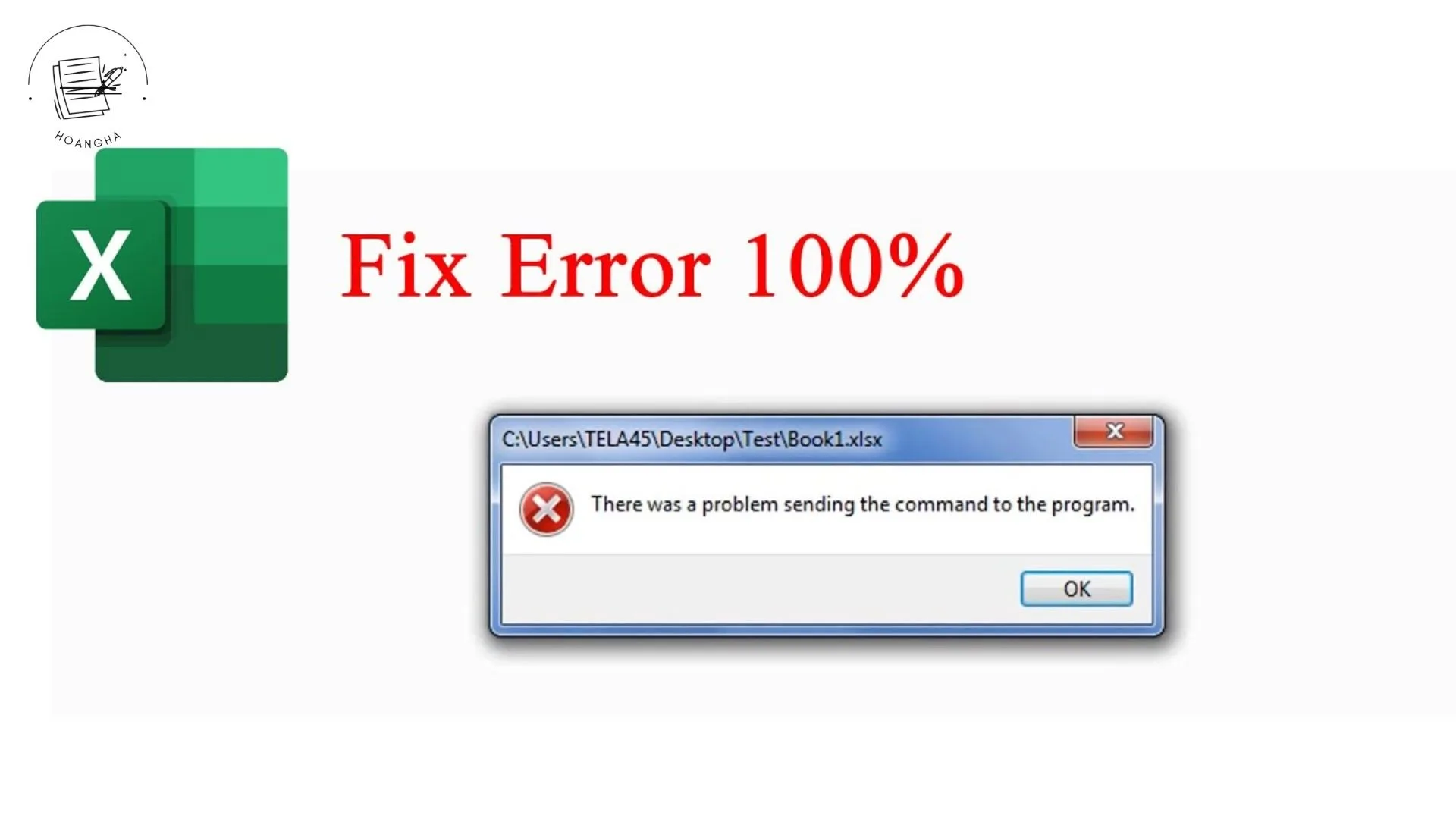
Cách khắc phục
Cách 1: Tắt DDE trong Excel
-
Mở Excel (chỉ mở chương trình, không mở file).
-
Vào Office Button (góc trên bên trái) → Excel Options.
-
Chọn Advanced.
-
Kéo xuống mục General.
-
Bỏ dấu chọn ở ô Ignore other applications that use Dynamic Data Exchange (DDE).
-
Nhấn OK, sau đó thử mở lại file.
Cách 2: Đặt lại mặc định mở file Excel
-
Chuột phải vào file Excel (.xls hoặc .xlsx).
-
Chọn Open with → Choose default program.
-
Chọn đúng Microsoft Office Excel.
-
Tick Always use the selected program to open this kind of file.
-
Nhấn OK.
Cách 3: Sửa trong Windows Explorer Options
-
Mở Control Panel → Folder Options (hoặc File Explorer Options).
-
Tab File Types (nếu có).
-
Tìm đuôi .XLS và .XLSX.
-
Đảm bảo hành động Open đang gắn với Excel, không phải ứng dụng khác.
Cách 4: Repair Office
-
Vào Control Panel → Programs and Features.
-
Chọn Microsoft Office 2007 → Change → Repair.



0 phản hồi